PC · priced July 12, 2026
Budget Golf Simulator PC: RTX 5060, ~$900-1,100
GSPro is GPU-bound. An RTX 5060 ($299 card) in a modest budget build clears 1080p High settings for around $900-1,100 all-in.
- RTX 5060: 3,840 CUDA cores, 8GB GDDR7, 145W TGP
- $299 MSRP; 550W minimum system power
- 16GB DDR5 RAM minimum
- 1TB NVMe SSD
- Handles GSPro 1080p High settings reliably
Via Amazon. As an Amazon Associate and affiliate partner, CaddieBay earns from qualifying purchases.
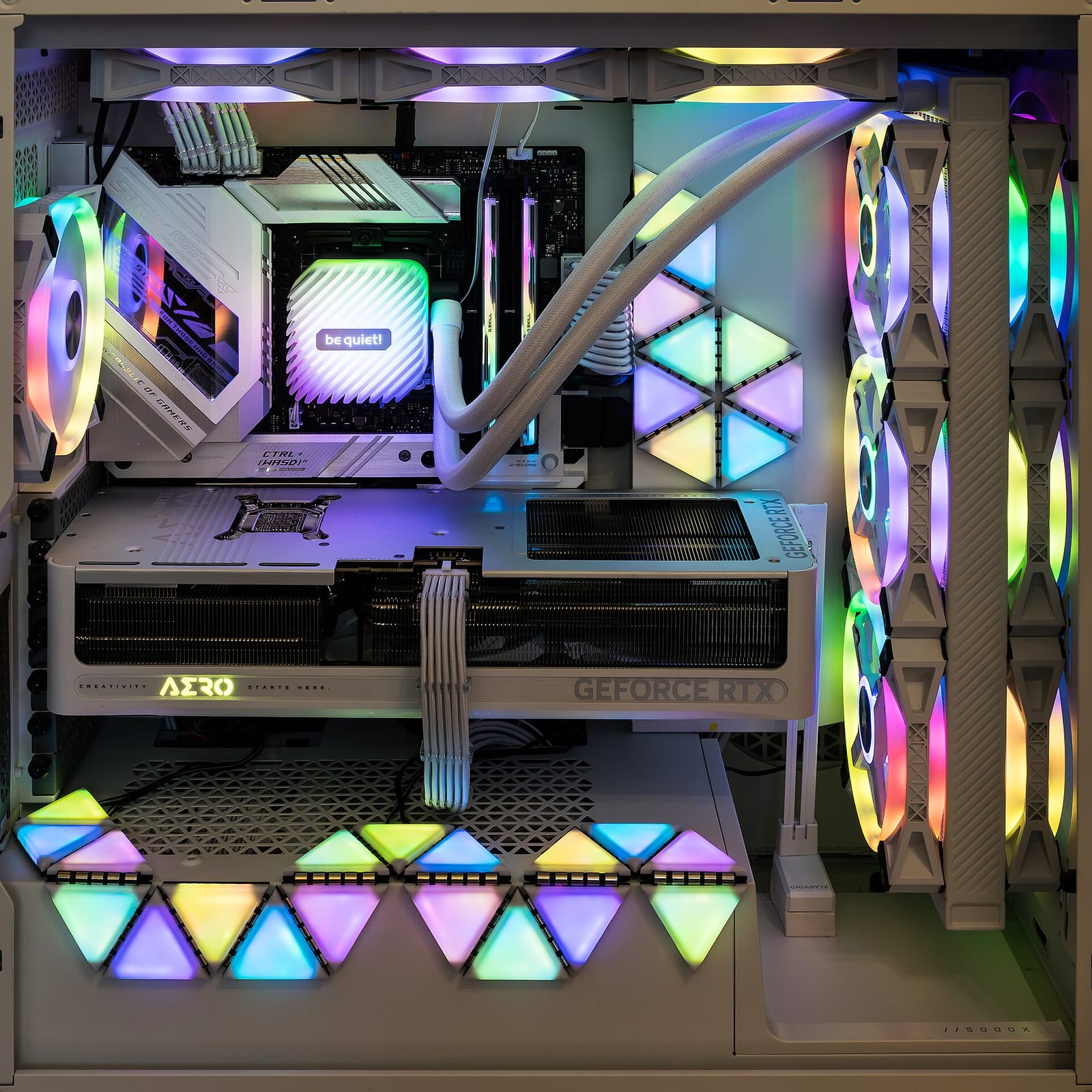
Golf simulator software, GSPro chief among them, is GPU-bound and comparatively CPU-light, which flips the usual PC-building priority: spend on the graphics card first, everything else second. A mid-range CPU paired with a strong GPU outperforms the reverse pairing every time in this specific workload, so the GPU line item earns the bulk of a budget build’s dollars.
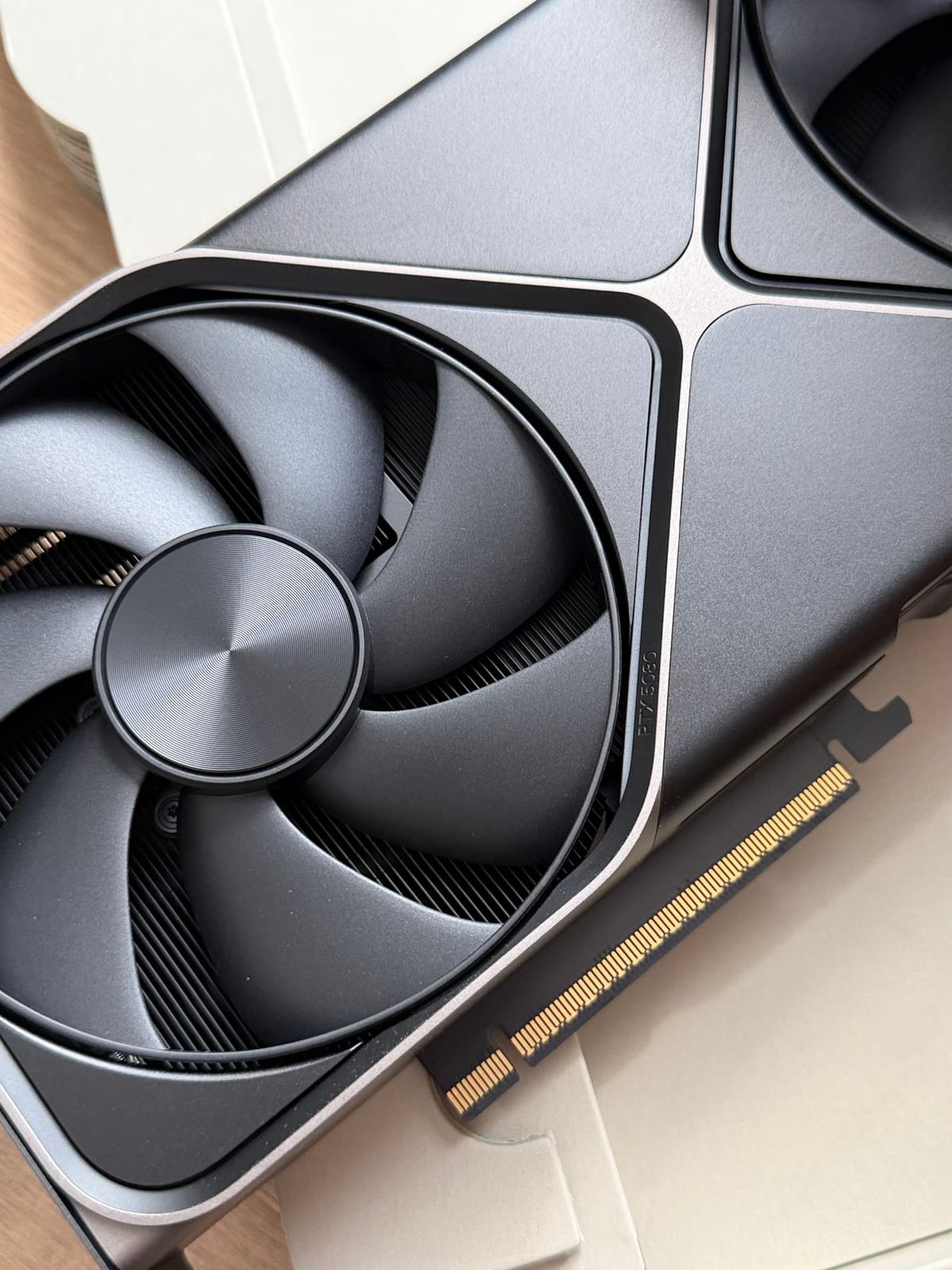
Why GPU-bound specifically: GSPro renders full 3D course geometry, foliage, and lighting at high polygon counts, closer to a modern open-world game engine than a simple graphics overlay. E6 Connect’s engine is comparatively lighter, so a budget GPU that struggles on a dense GSPro course (think tree-heavy layouts like Augusta-style clones) will often run E6 comfortably at higher settings on the same hardware. If a build is E6-only, the GPU tier here has real headroom to spare; if GSPro is the target, treat these numbers as the floor, not a ceiling.
On paper, the RTX 5060 carries 3,840 CUDA cores, 8GB of GDDR7 memory on a 128-bit bus, and a 2.50GHz boost clock, all for a 145W board that Nvidia rates at needing 550W of system power, one 8-pin PCIe connector or a single 300W-rated PCIe Gen 5 cable. That’s a modest power budget by 2026 GPU standards, which keeps the rest of the build (PSU, case airflow) cheap too. An RTX 3060 or RTX 4060 with 16GB system RAM handles GSPro’s High/Very High settings reliably at 1080p already, according to independent GSPro benchmark testing; the newer RTX 5060 is a clean generational step up on the same GDDR7-vs-GDDR6 memory bandwidth advantage, and it clears FSX Play’s minimum GPU requirement as well. A full budget build around this GPU tier, case, motherboard, PSU, 16GB RAM, 1TB NVMe SSD, lands around $900-1,100 depending on parts sourcing.
What the budget actually buys
Nvidia’s list price for the RTX 5060 is $299, but that’s the MSRP, not necessarily the shelf price. Like most of the GPU market in 2026, RTX 5060 street pricing has drifted above MSRP, into roughly the $330-$340 range at major retailers as of mid-2026, a symptom of a broader DRAM and GDDR memory shortage driven by AI datacenter demand pulling supply away from consumer graphics cards. The same shortage has pushed DDR5 system memory prices up too, so a 16GB DDR5 kit that would have been a $60-80 line item a couple years ago can run closer to $100-150 today depending on the module. Budget accordingly rather than anchoring hard to the $299 sticker.
A rough breakdown for a $900-1,100 build: roughly $300-340 for the RTX 5060 card itself, $60-80 for a 1TB NVMe SSD, $100-150 for 16GB of DDR5, and the remaining $400-550 spread across a mid-range 6-core CPU (a Ryzen 5 7600-class chip is plenty since GSPro doesn’t lean on core count), a compatible AM5/LGA1700 motherboard, a 550W-or-better 80 Plus Bronze PSU, and a case with decent airflow. None of those non-GPU parts need to be exotic. GSPro’s CPU load is light enough that spending up on a flagship processor here is money better spent on the graphics card or the launch monitor instead.
What not to skimp on
Storage matters more than most budget builders expect: a 1TB NVMe SSD is the practical minimum once you account for the simulation software, course libraries, and Windows itself.
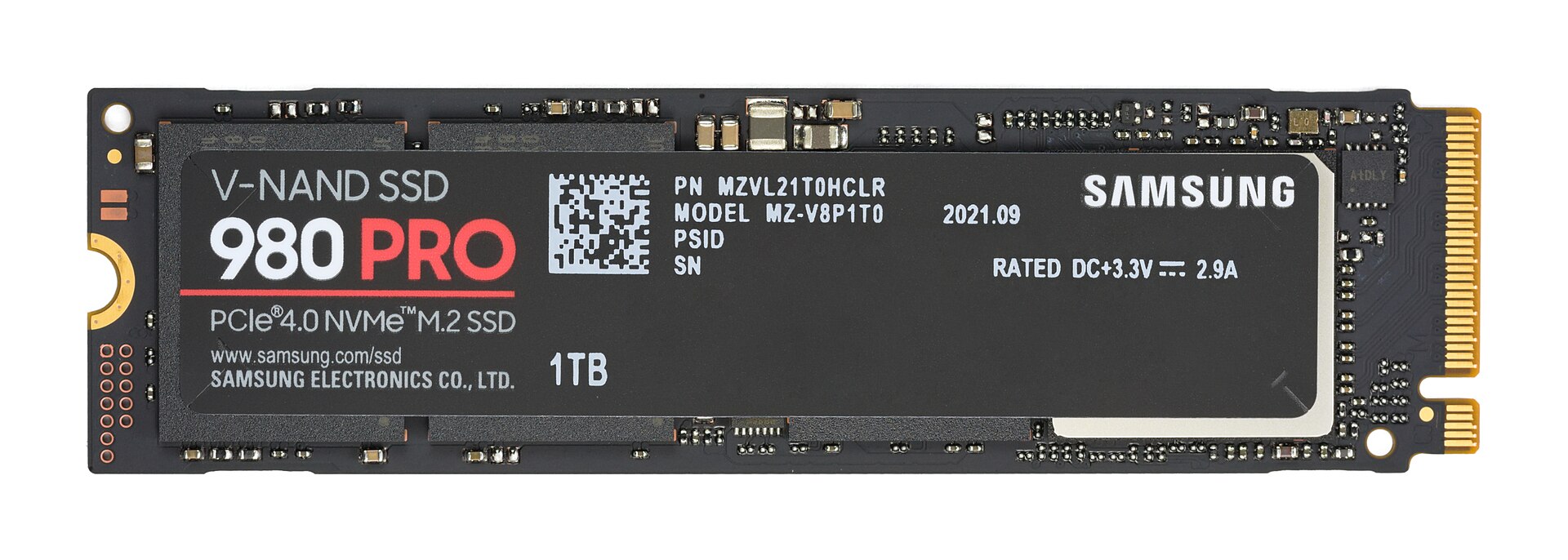
GSPro alone ships with a modest base install, but its course marketplace adds up fast: a serious course library can run 200-400GB once you’ve downloaded a few dozen tracks, and Windows plus updates eats another 30-40GB before any golf software is installed. Buying 500GB to save $20-30 up front is a false economy that turns into a deleted-courses cleanup chore within a few months.
RAM at 16GB is workable for a single launch-monitor app plus the sim software; anyone adding swing-camera software on top should budget for 32GB instead.
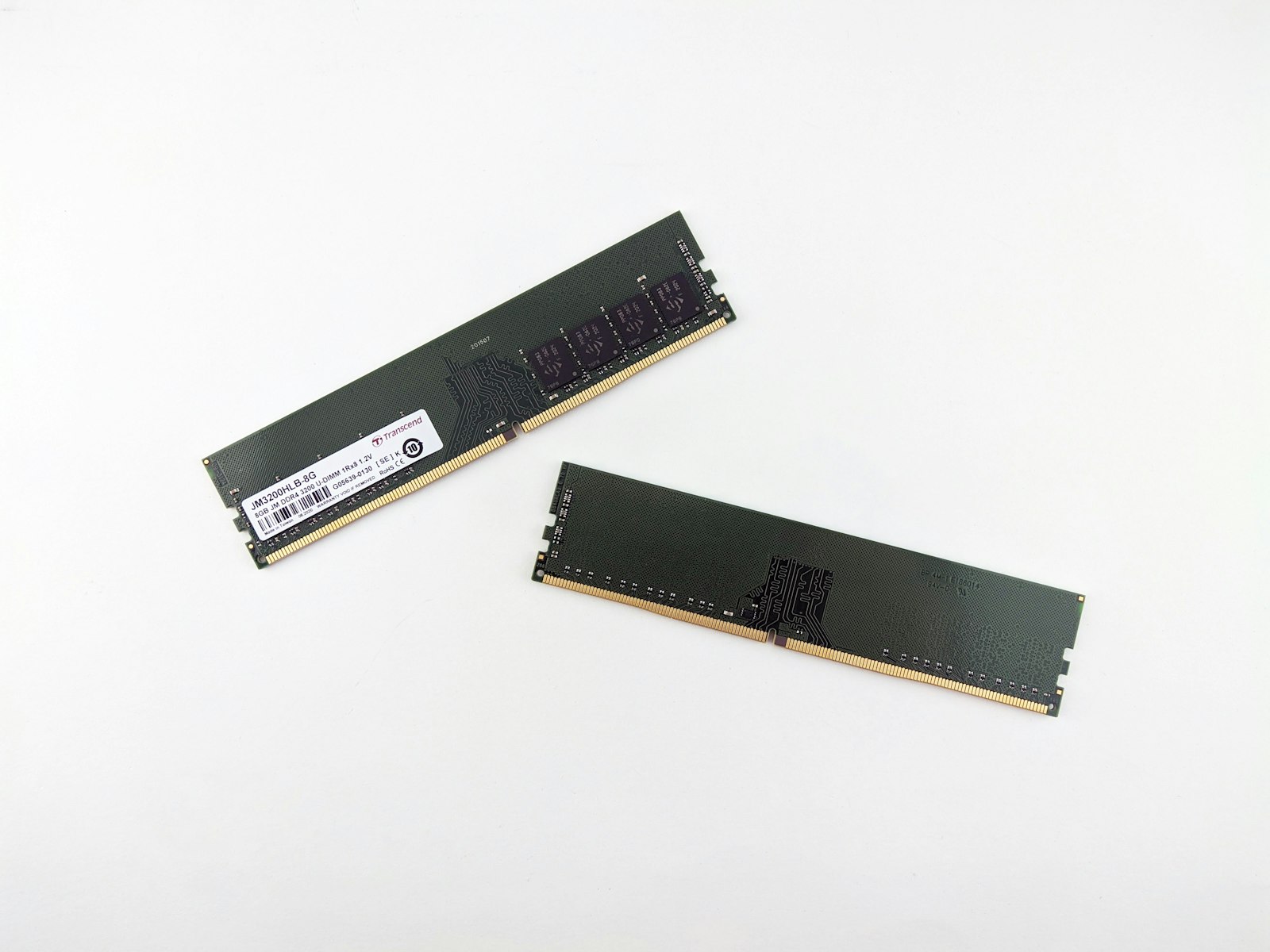
Two sticks over one matters here too: populating both memory channels (2x8GB rather than a single 16GB module) gives the RTX 5060’s comparatively narrow 128-bit memory bus a meaningful assist, since dual-channel bandwidth helps feed the GPU pipeline in memory-sensitive scenes. It costs nothing extra at the same total capacity, so there’s no real reason to buy single-channel.
Desktop or laptop?
A laptop works fine if it carries a discrete GPU at the RTX 3060/4060-class minimum and cooling that can sustain the load, not just handle a burst of it.

Laptop GPUs are typically clocked and power-limited well below their desktop namesakes, so a laptop RTX 4060 runs meaningfully slower than the desktop RTX 4060 named in the same benchmark data above. Thermal throttling during a long simulated round, where the GPU runs at sustained load for an hour or more rather than short gaming bursts, is the real risk with a thin-and-light chassis. A laptop with real cooling headroom (thicker chassis, dual fans, a GPU that isn’t power-capped to the bone) is the one worth considering here; the thinnest RTX-branded laptops on the market usually aren’t.
Desktops still win on cost per GPU tier and are easier to upgrade later, which is why most budget builds default to a tower. A desktop RTX 5060 also has no thermal ceiling to worry about the way a laptop does, and swapping the GPU alone in two or three years, once 5060-class performance feels dated, costs far less than replacing the whole machine.